
What Is the Care Number?
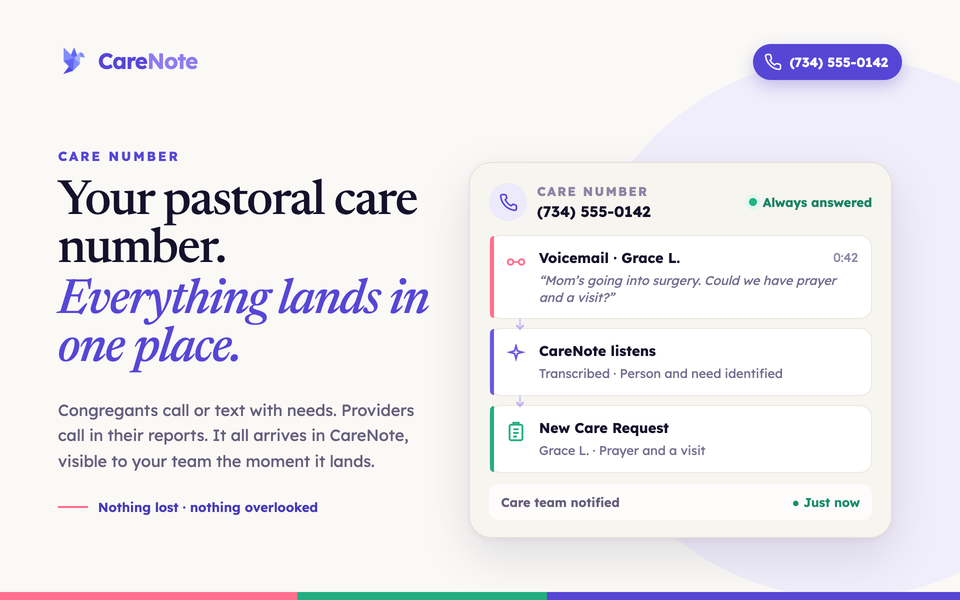
Most of the care your team does starts with someone reaching out. A call after a hard diagnosis. A text on the way to the hospital. A voicemail left late at night by someone who did not know who else to call. The Care Number gives your church one place for all of it: a dedicated local phone line your congregation can call or text whenever they need care, and your care team can use to phone in updates from the road. Everything lands in one place, visible to your team the moment it arrives.
The Care Number is an optional paid add-on for CareNote. This post explains what it is and how it works, for both the people who reach out and the staff who respond. If you are looking for step-by-step billing instructions, those live in Team Settings.
What the Care Number is
The Care Number is a real phone number in your own area code that belongs to your church. You publish it wherever your congregation already looks: the bulletin, your website, the welcome card, a sign in the lobby. From then on, every call and text for care comes to one place, and CareNote helps you make sure nothing gets missed.
Congregants do not need to download anything or create an account. They just call or text the number the way they already call or text anyone else.
What a congregant experiences
When someone in your congregation calls the Care Number, here is what happens:
- They hear a short greeting that names your church and invites them to leave a message with their name and how the team can care for them.
- After the tone, they record a voicemail. They have up to five minutes.
- When they finish, they hear a brief confirmation that their message has been sent to the care team, and the call ends.
From there, CareNote takes over. The voicemail is transcribed automatically, and then it is read and summarized so it can become a care request for your team, with the caller's name and the details of what they need. Your team is notified that a new request has come in, just like any other care request in CareNote. Very short recordings, the kind left by an accidental hang-up, are skipped so they do not create noise.
Texting works too. When a congregant texts the Care Number, they get a warm automatic reply letting them know their message was received and that someone from the care team will follow up. The very first text from a new number also includes the standard messaging disclosures (how to get help, how to opt out, and links to terms and privacy) so everything stays above board. Those texts are handed to a person on your team to follow up personally.
What your staff can do
The Care Number is not only an inbound line for congregants. Your team can use it too, and CareNote recognizes staff and volunteers by the phone number registered on their account.
Phone in an update. A care team member can call the Care Number and leave a voicemail about someone they are caring for. CareNote transcribes it, and if the caller clearly names one person your team already has a profile for, the update is filed as an interaction on that person's record. If the caller is reporting a brand-new need for someone, it becomes a care request instead.
Turn a spoken follow-up into a task. If a staff member says something like "let's schedule a follow-up on the 27th" or "check on her next week," CareNote captures that date and creates a task for them, so the next step does not live only in their memory. CareNote then sends them a notification confirming where the voicemail was filed and, when a follow-up was scheduled, that a task was created.
Run SMS commands. Staff can also text the Care Number to work through the same SMS commands they use elsewhere in CareNote: ACCEPT, PASS, MORE, STATUS, REPORT, COMPLETE, and more. The whole conversation stays on your published Care Number, so your team is never juggling two lines. Everything in our SMS command guide applies here.
One more nice detail: once your Care Number is able to send texts, your team's SMS notifications go out from the Care Number itself. That keeps every part of the conversation on a single number your congregation recognizes.
Setting up your Care Number
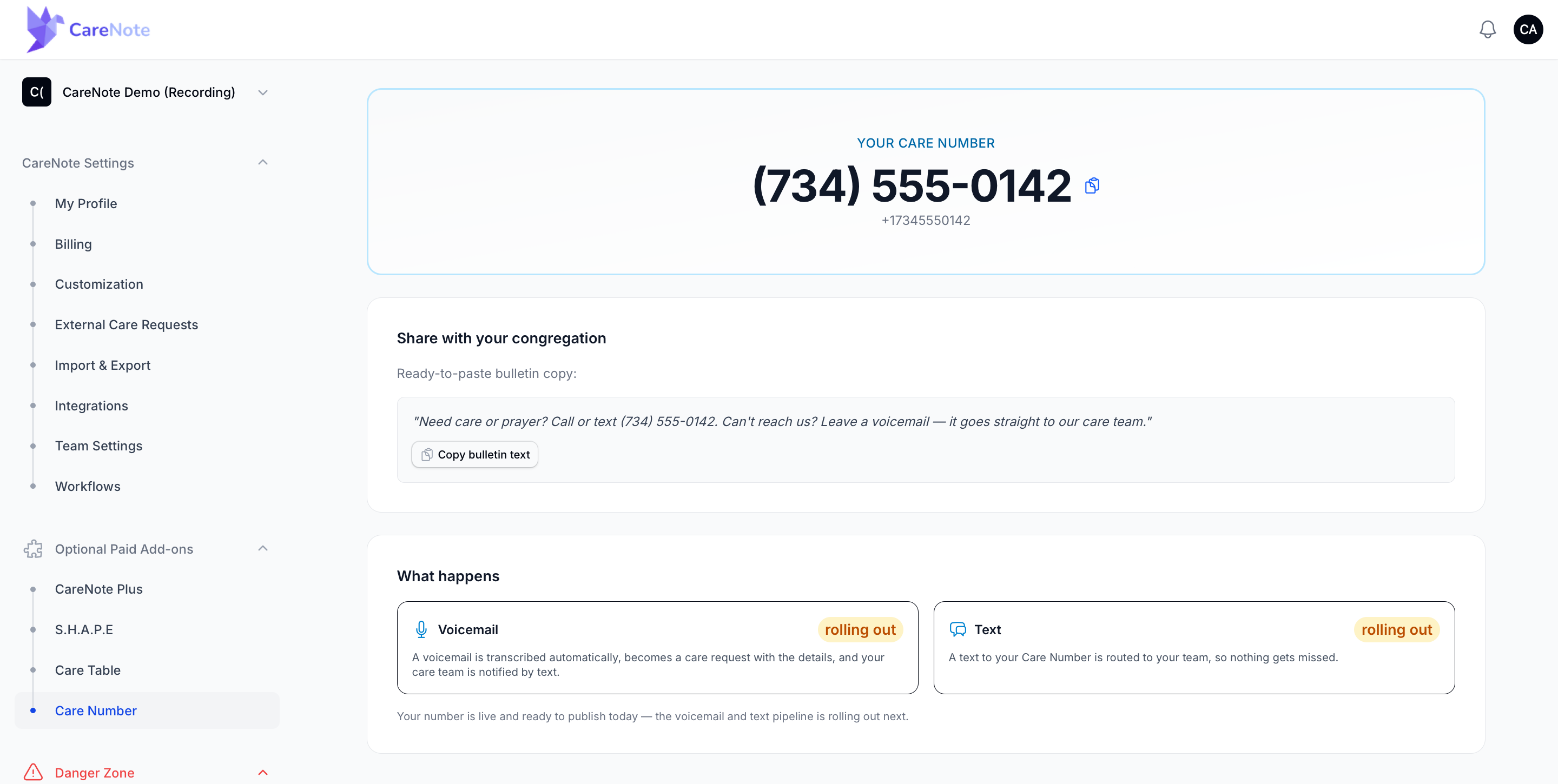
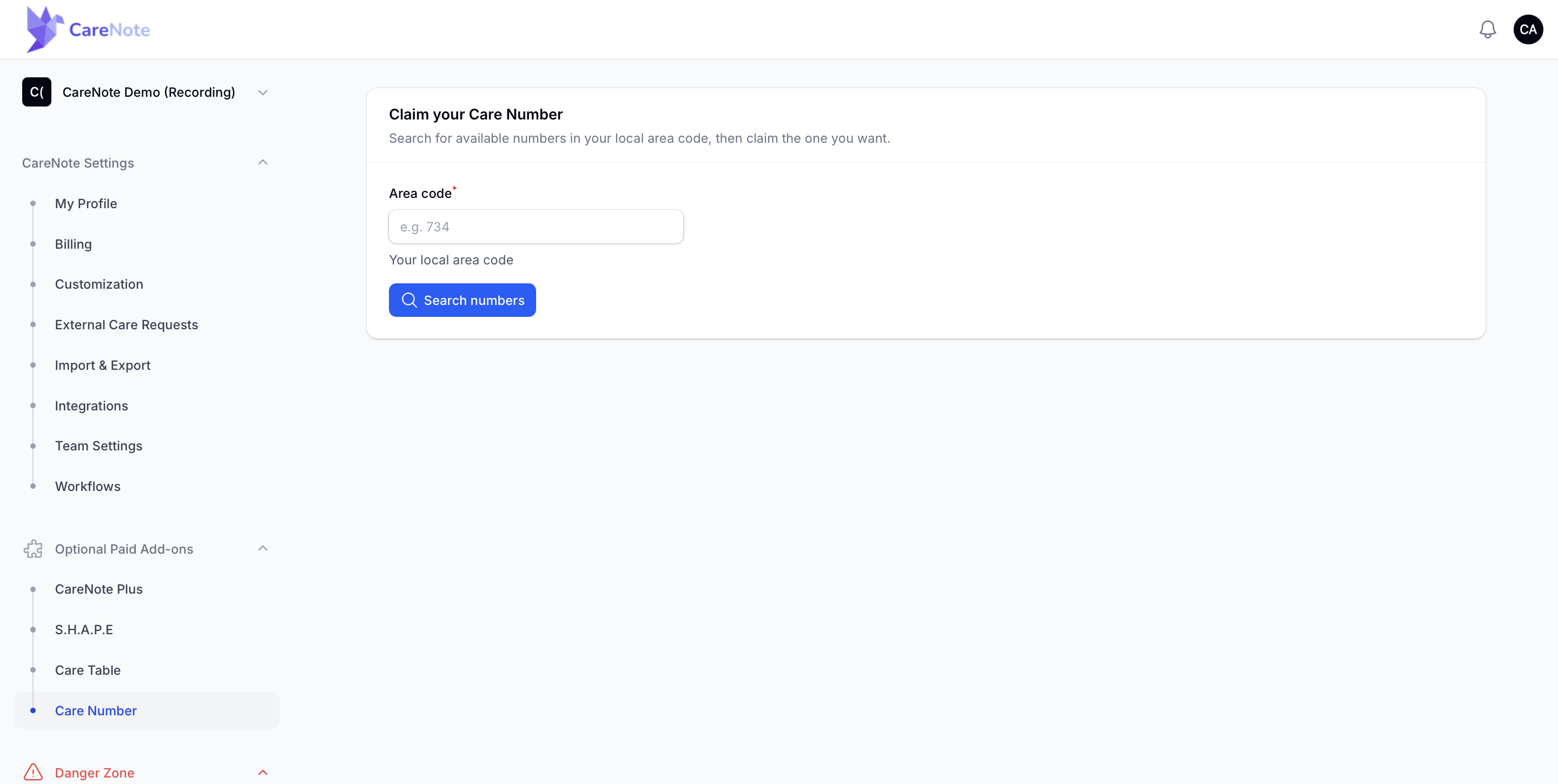
Setup is meant to be self-serve and quick. From the left navigation, open CareNote Settings, find the Optional Paid Add-ons group, and choose Care Number. The page walks you through activating the add-on, then choosing a number.
To choose a number, you enter your local area code and search. CareNote shows the numbers available in that area code, and you claim the one you want. Once it is claimed, the number is yours to publish. The Care Number page even gives you ready-to-paste bulletin wording so you can announce it right away.
Frequently asked questions
Does a congregant need the CareNote app or an account? No. They just call or text the number like any other phone call or text. There is nothing to download and nothing to sign up for.
What happens to a voicemail? It is transcribed automatically, summarized into a care request with the details, and your care team is notified. No one has to remember to check a voicemail box.
Can we pick our own area code? Yes. After you activate the add-on, you search available numbers by area code and claim the one you want, so the number feels local to your church.
Do staff and congregants use the same number? Yes, that is the point of one published line. CareNote tells the difference by the phone number on file: a registered staff or volunteer number runs the SMS commands and can phone in updates, while everyone else is treated as a congregant reaching out for care.
Do we need a base CareNote subscription? Yes. The Care Number is an add-on to an active CareNote plan.