
I'm a Volunteer and I Can't Log In. What's Happening?
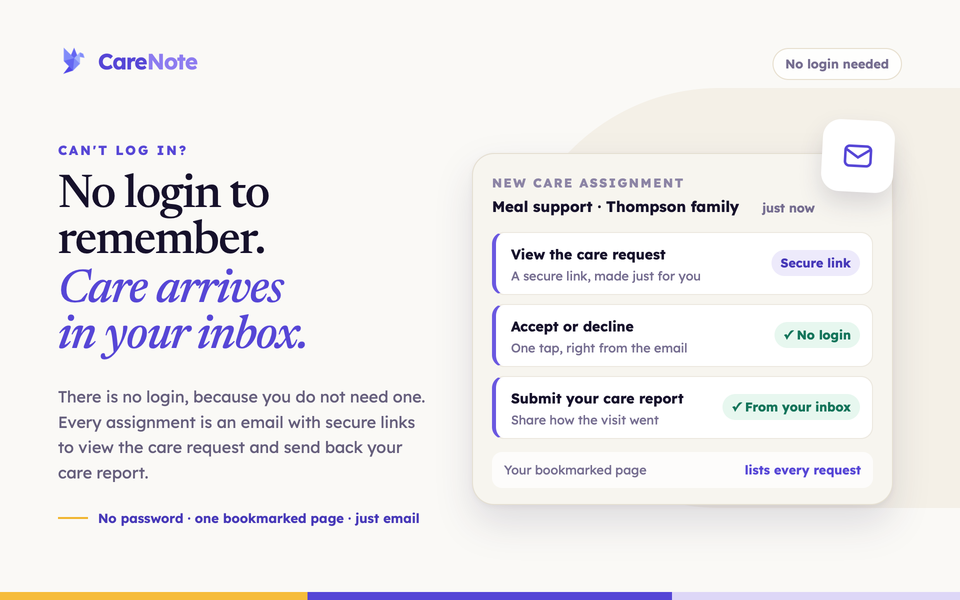
You said yes to helping with your church's care ministry, and now CareNote will not let you sign in. This guide explains what is going on and what to use instead.
Watch: You're Invited, joining your church's care team.
The short answer
If you help with care as a care team helper, you do not have a CareNote login or password, and you do not need one. Your access is fine. Everything you need arrives by email, and each email links to a secure page made for you.
You will use two kinds of links:
- Links in each assignment email to accept, decline, or file your care report.
- Your My Care Assignments page, one bookmarkable page that lists every request you currently hold.
What you will see if you try to sign in
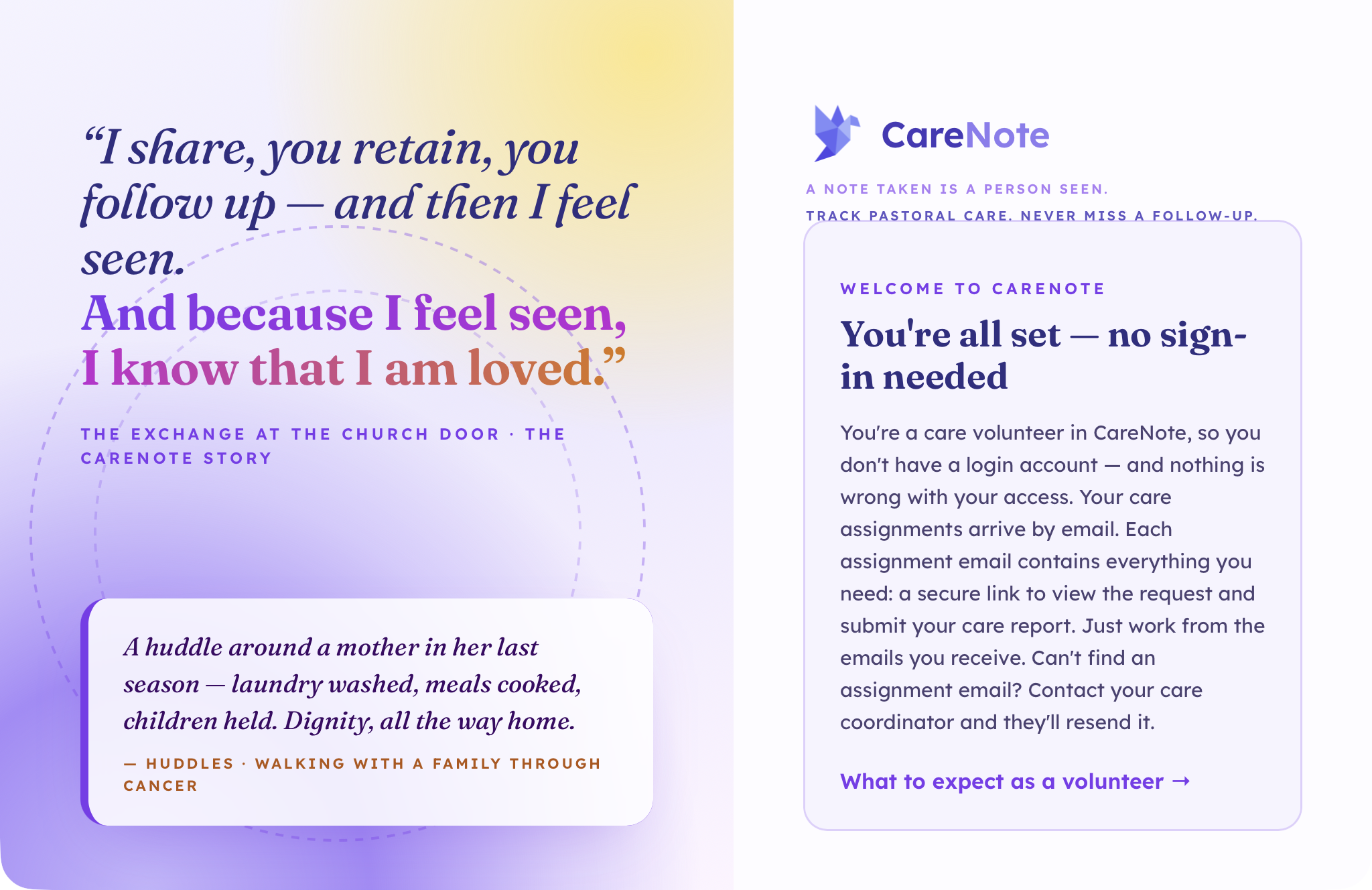
Enter your email address on the CareNote sign-in page and CareNote recognizes you and explains why there is no password:
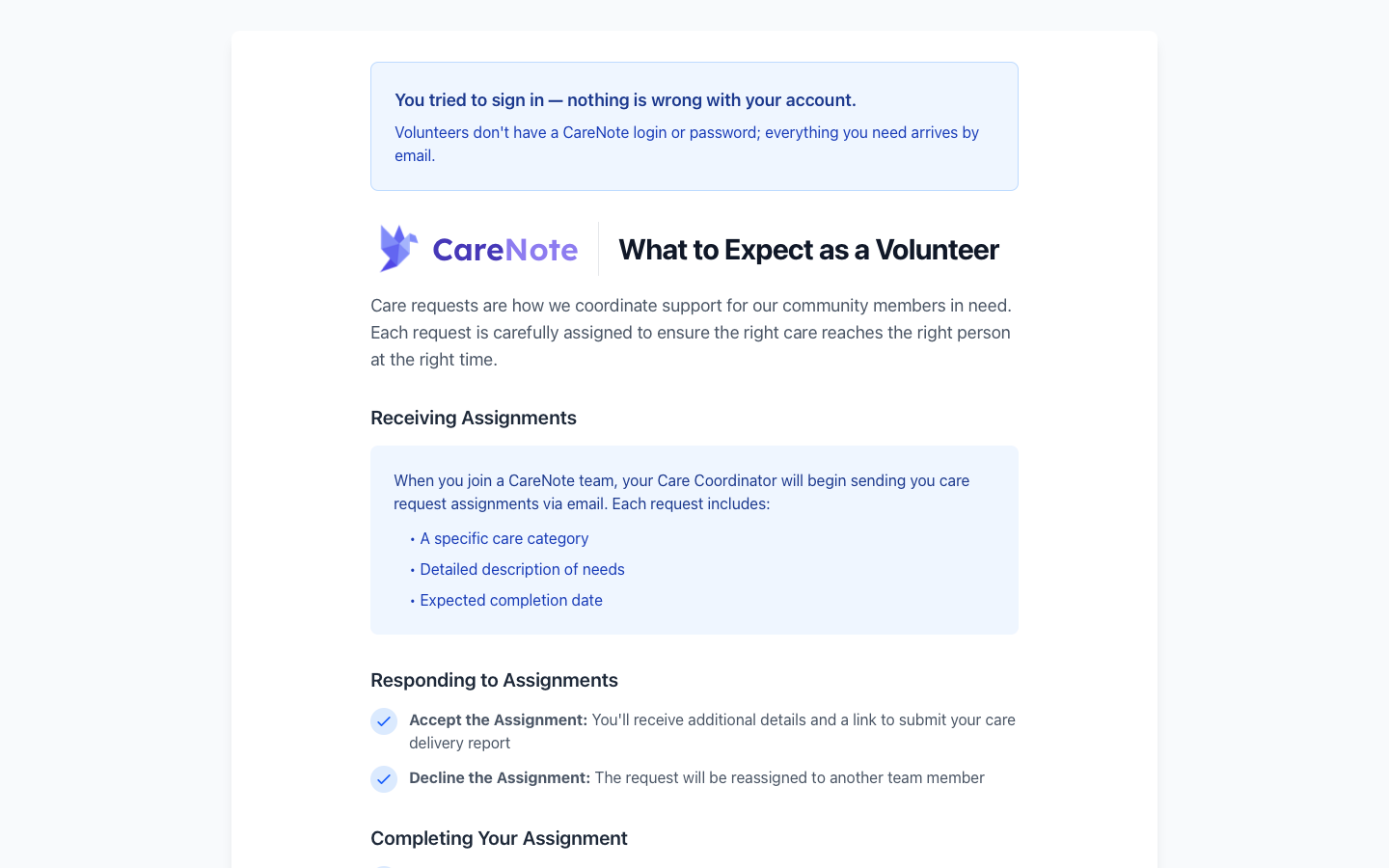
If you arrive through a bookmark or a shared link, you land on the What to Expect page, with a banner at the top:
1. Know what to do with a password reset
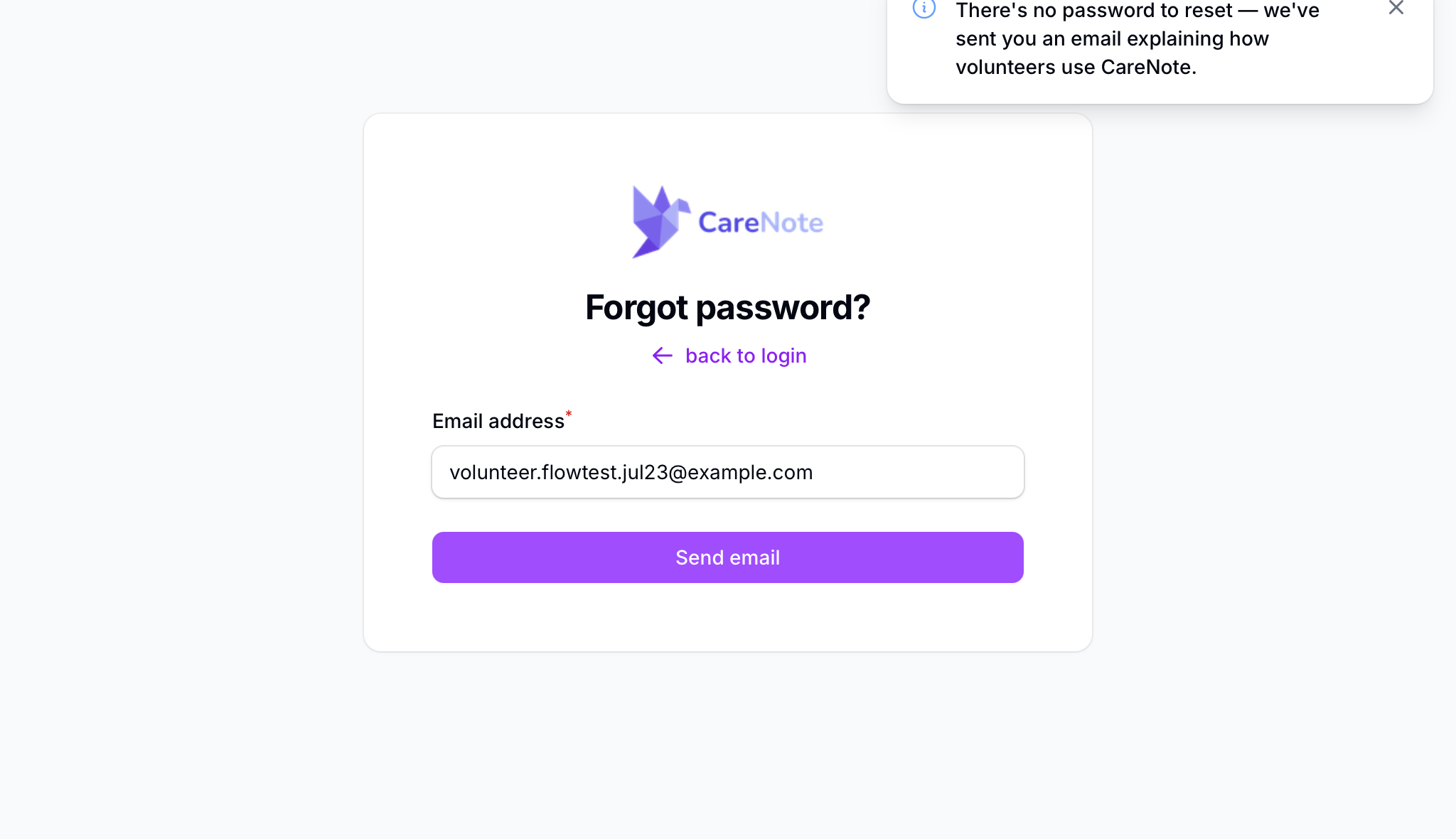
There is no password to reset. If you ask for a reset anyway, CareNote shows a notice on screen and sends a short email explaining how care helpers use CareNote.
2. Join the care team from your invitation
Your first email is an invitation from your church. Open it and choose Join the Care Team. The page explains that care assignments and follow-ups arrive by email, and that you respond through secure links in those emails.
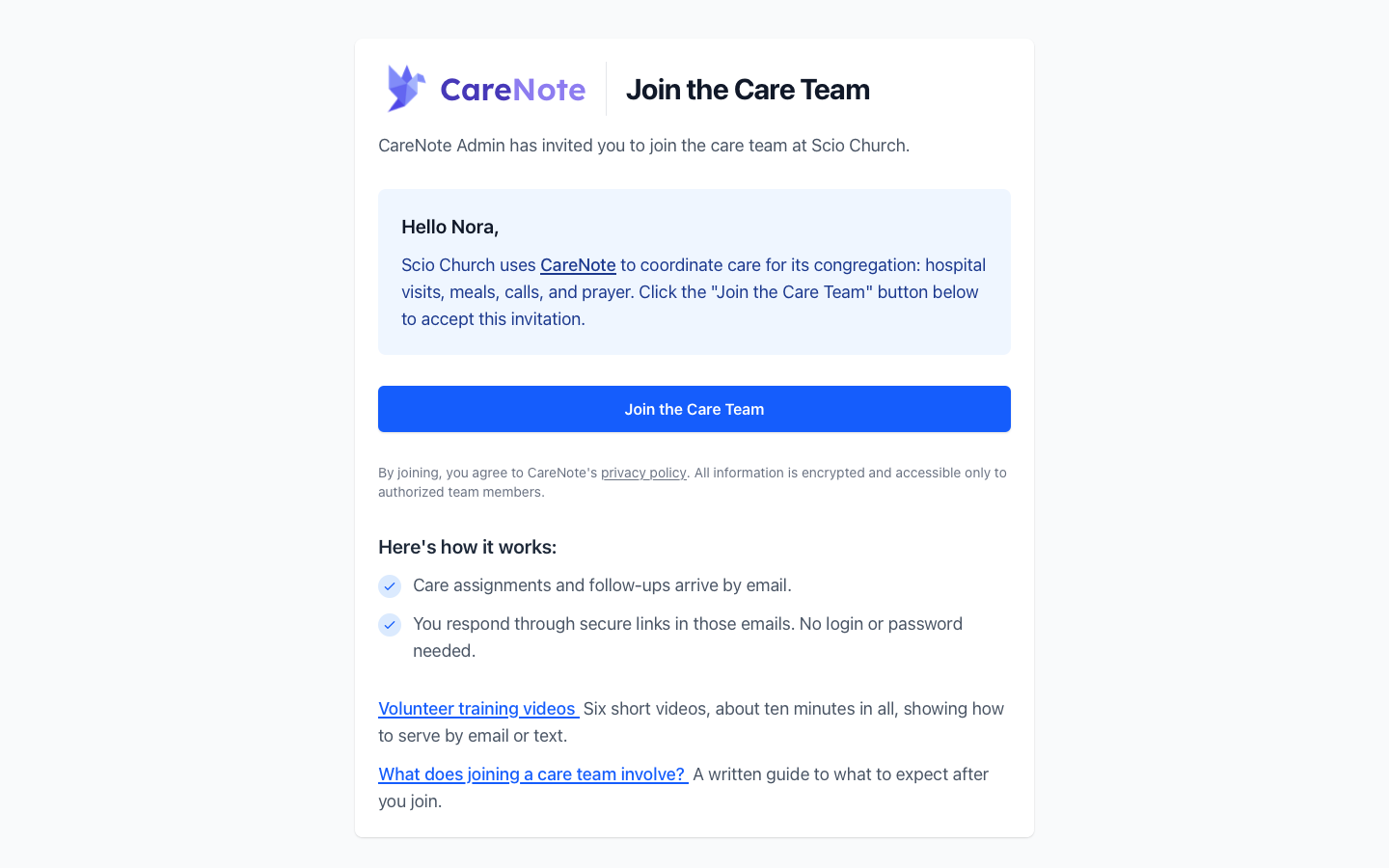
The invitation link is made just for you. If you see "Access Restricted" or "Invalid signature," the link was changed or copied incompletely. Ask your care coordinator to send it again.
3. Respond from your assignment email
When a coordinator assigns you a care request, you get an email with the person, the due date, and a description of the need. It has three buttons: Review & Accept Care Request, Review & Decline Care Request, and See all of your care assignments. There is no login button because there is no login.
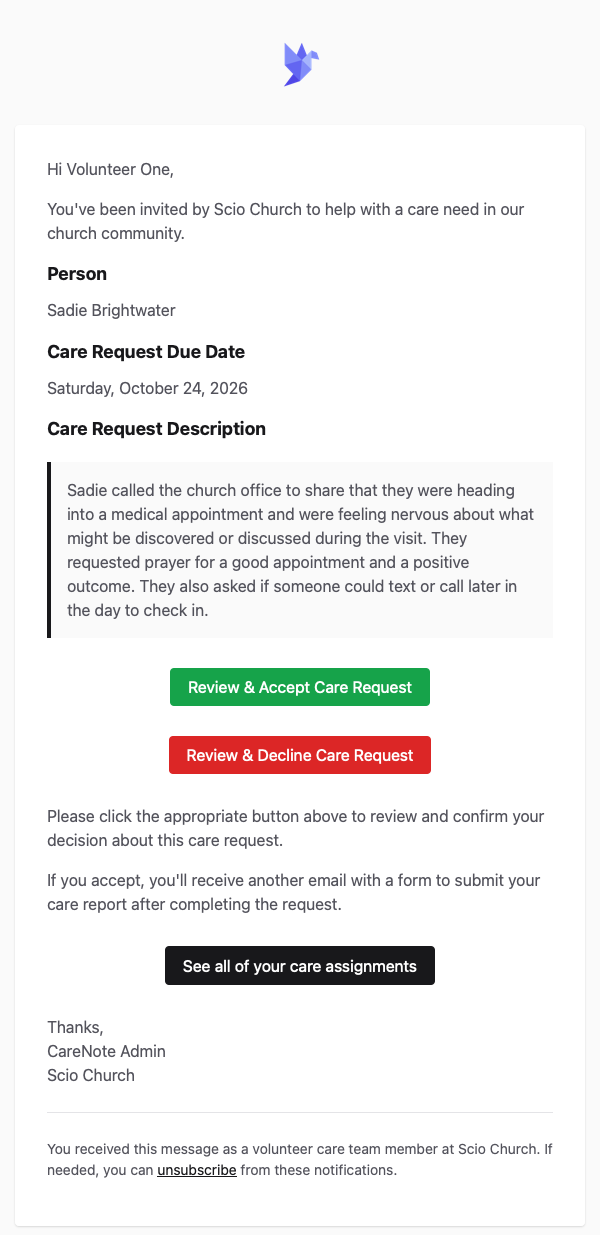
If you accept, you will receive another email with a form to submit your care report after you finish. If you decline, the request goes back to your coordinator to reassign.
Your accept and decline links stay valid for as long as the care request is open. When the request is closed or deleted, its links stop working.
If your church uses CareNote Plus and has turned on text acceptance, helpers enrolled in text messages may also get a text offering a request to their group. Reply ACCEPT with the number in the text to take it. The first reply wins, and everyone else in the group is told it is covered.
4. Bookmark your My Care Assignments page
Use See all of your care assignments in any assignment email, or the same button in confirmation emails and reminders, to open your page. Bookmark it. It always shows your current assignments for your church.
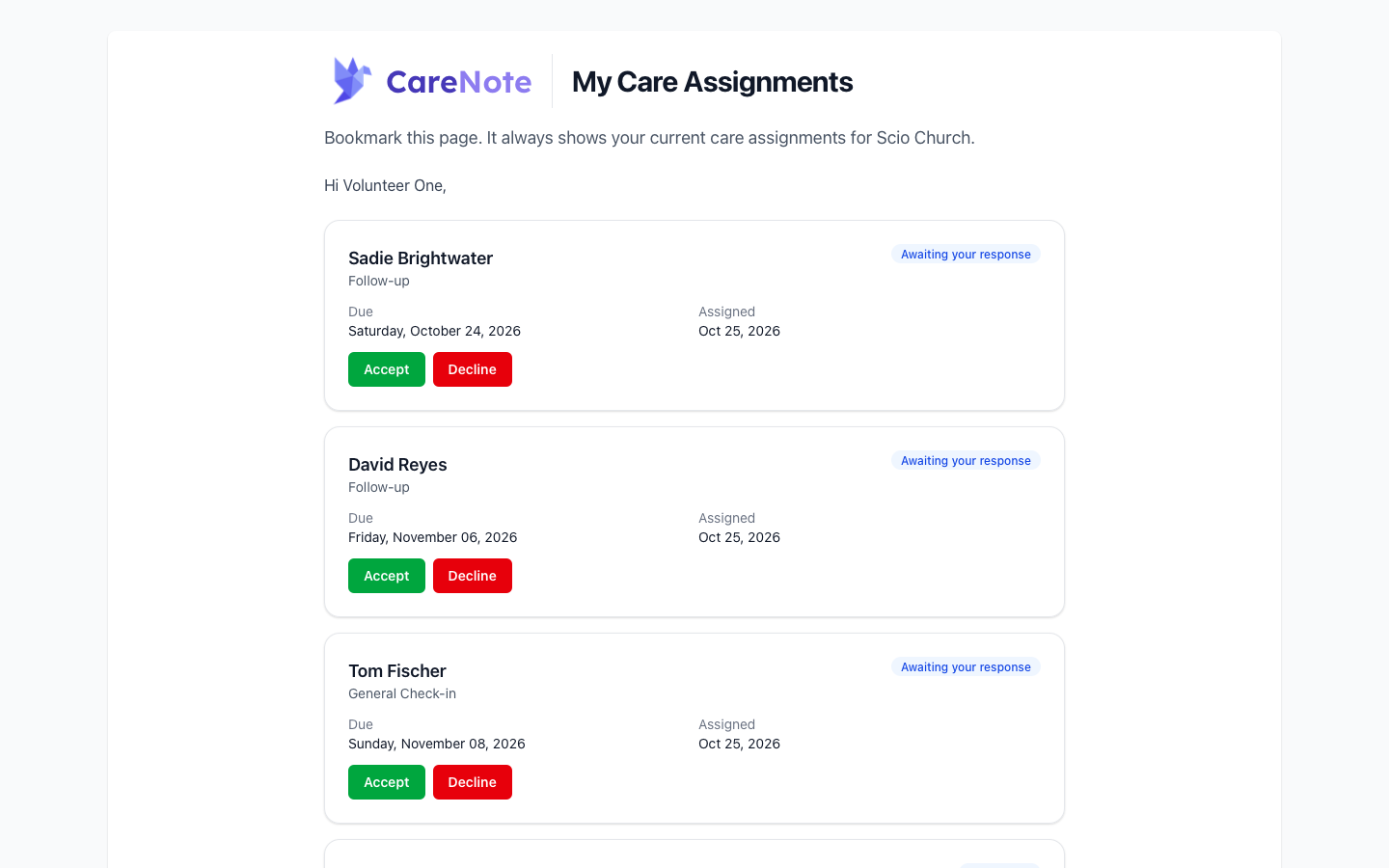
Each card has a status pill. A card marked Awaiting your response has Accept and Decline buttons. A card marked In Progress has Submit Care Report. Request descriptions are not shown on this page on purpose, so open the original email for the details. When you have nothing active, the page says "You have no active care assignments right now."
5. Submit your care report
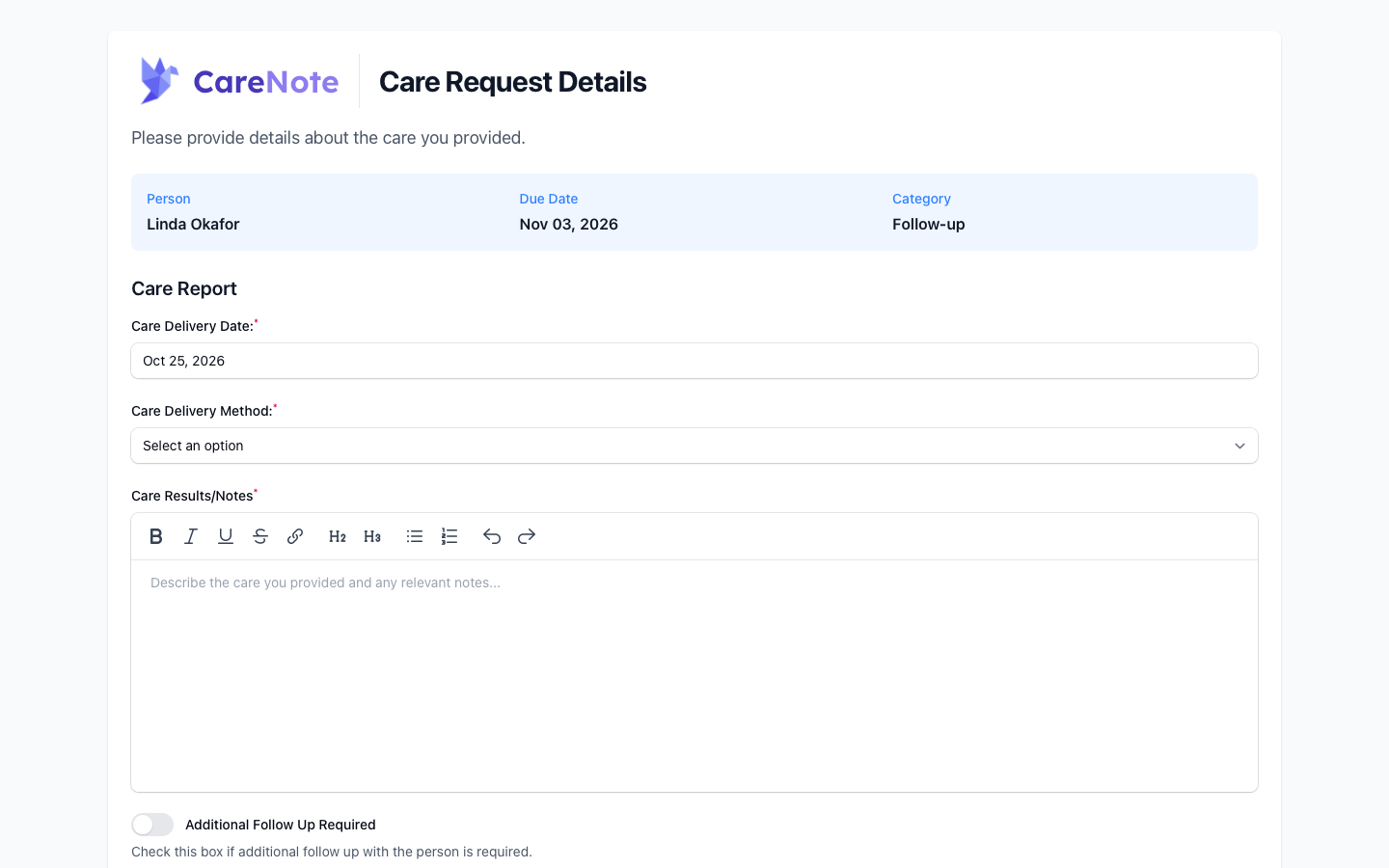
Choose Submit Care Report on your page, or use the link in the follow-up email. The form is titled Care Request Details and asks for:
- Care Delivery Date (required)
- Care Delivery Method (required)
- Care Results/Notes (required)
- Additional Follow Up Required, a toggle to tell your coordinator more care is needed
6. Lost the link? Ask for a resend
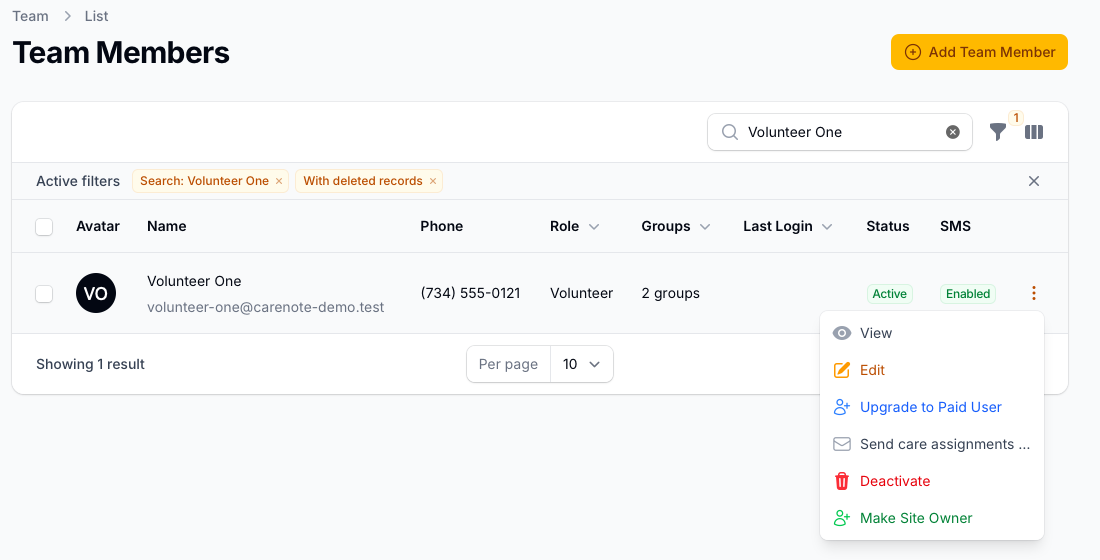
Tell your care coordinator. On the Team Members page they open the three-dot menu on your row and choose Send care assignments page, then Send link. This emails you the same link you already had, so any copy you saved keeps working. Due, overdue, and reminder emails also include the link.
Why does CareNote work this way?
- Simplicity. Your ministry happens with people, not software. There is no login to manage and no dashboard to learn.
- Safety. Care information is sensitive. Every link is made for you, and fewer passwords means fewer things to lose, guess, or phish.
FAQ
Is something broken? No. CareNote does not give care helpers a login, so there is nothing to break.
Can I get a password? No. Use your emails and your My Care Assignments page instead.
Why does the assignment page not show the request details? Descriptions are left off the page on purpose. Open the original assignment email for the details.
Do my old links still work? Your My Care Assignments link stays the same, even after a resend. Links for a request stop working once that request is closed.
Who do I ask for help? Your care coordinator. Every page ends with "Need help? Contact your care coordinator."