
Connecting ChurchSuite to CareNote
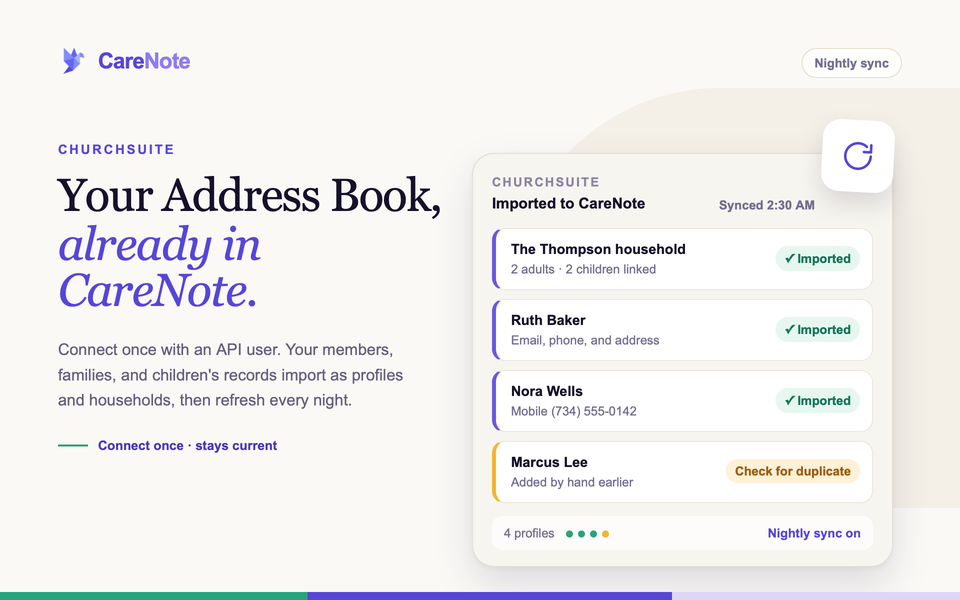
If your church runs on ChurchSuite, your Address Book already holds your members, families, and children's records. Connecting it to CareNote means your care team starts with a full congregation instead of re-typing names, phone numbers, and addresses by hand. After the first import, CareNote refreshes the list for you every night.
What this integration does
CareNote imports your ChurchSuite Address Book contacts and children's records. Families are organized into households based on spouse relationships. You get first and last names, email addresses, phone numbers, mailing addresses, dates of birth, and sex.
A few things to know before you start:
- ChurchSuite API access requires a "full suite" ChurchSuite subscription. If your church is on a smaller plan, ask ChurchSuite support.
- Only the Address Book is part of this sync. Calendar and Small Groups data are not.
- Each CareNote team connects on its own, so repeat these steps for every team that needs it.
1. Create an API user in ChurchSuite
Do this first, in ChurchSuite, signed in as an Administrator.
- Click your profile in the top right, then go to Settings.
- Create a new user with minimal permissions. Its only job is API access, so it does not need broad rights.
- View the new user and choose Enable API access from the More menu.
2. Generate your Client Identifier and Client Secret
- Log out, then log back in as the new API user.
- Go to My profile and open the Secrets tab.
- Copy your Client Identifier from the top of the page.
- Click Add secret to create a Client Secret. It starts with
cs_oauth2_.
Save the secret somewhere safe right away. ChurchSuite shows it only once.
3. Open the ChurchSuite page in CareNote
Integrations lives in CareNote Settings, which owners can open. Open your avatar menu and choose CareNote Settings.
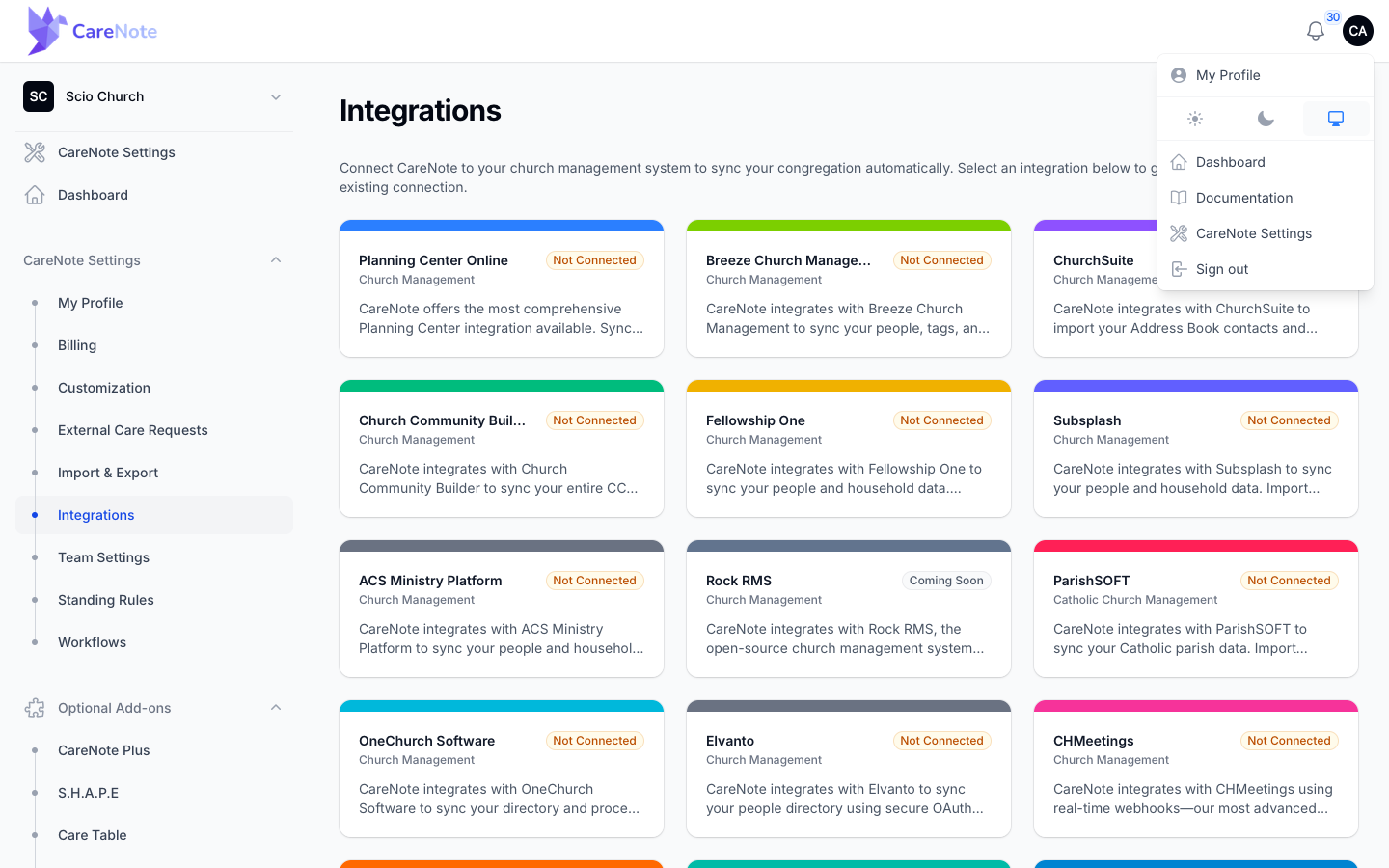
In the left menu, choose Integrations. You will see a card for each system CareNote works with.
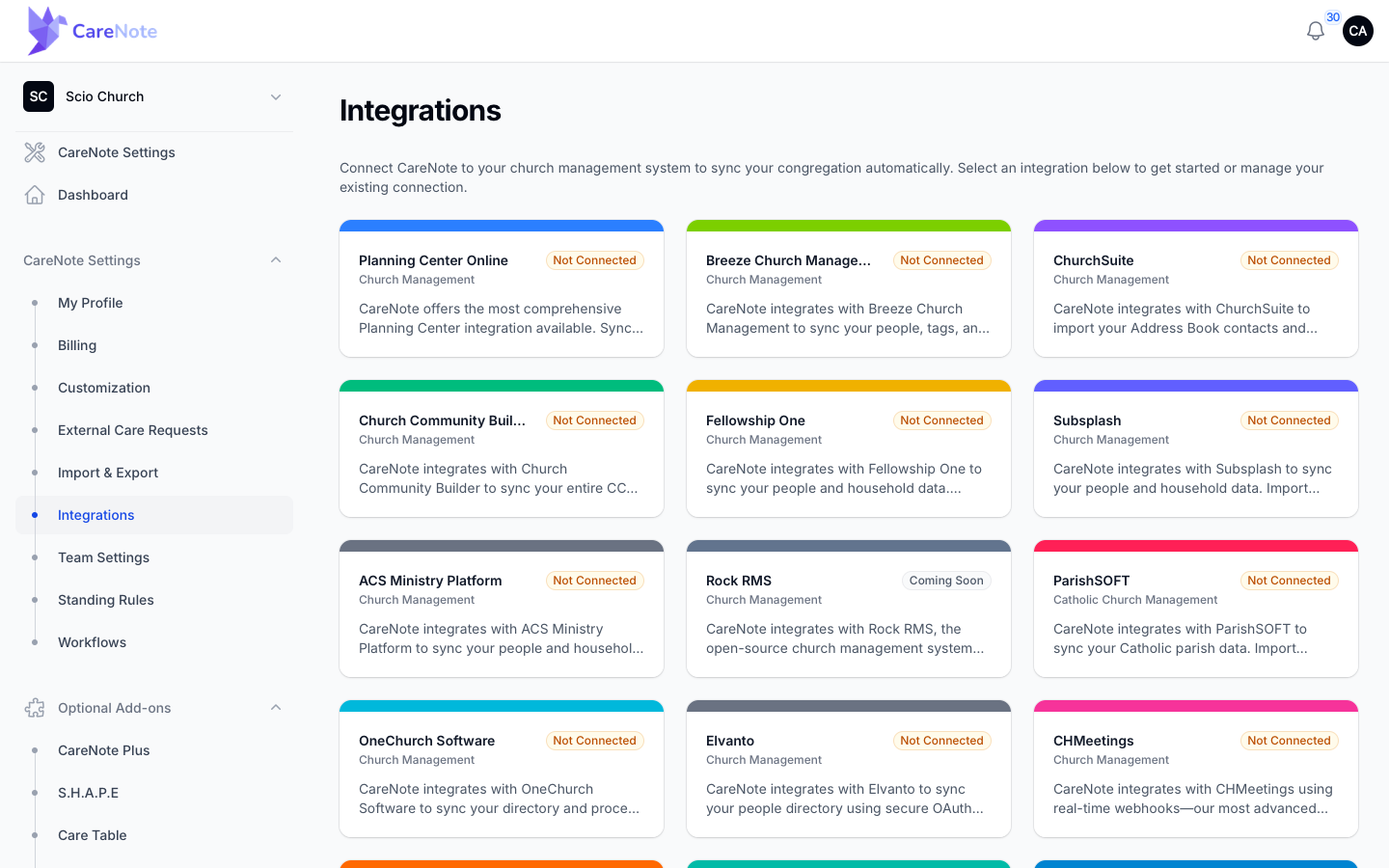
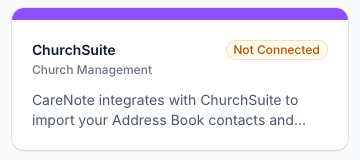
Find the ChurchSuite card under Church Management and click it.
4. Connect your account
The page is titled Church Suite Integration. Before you connect, the status card reads Not connected to ChurchSuite with Imported Profiles at 0.
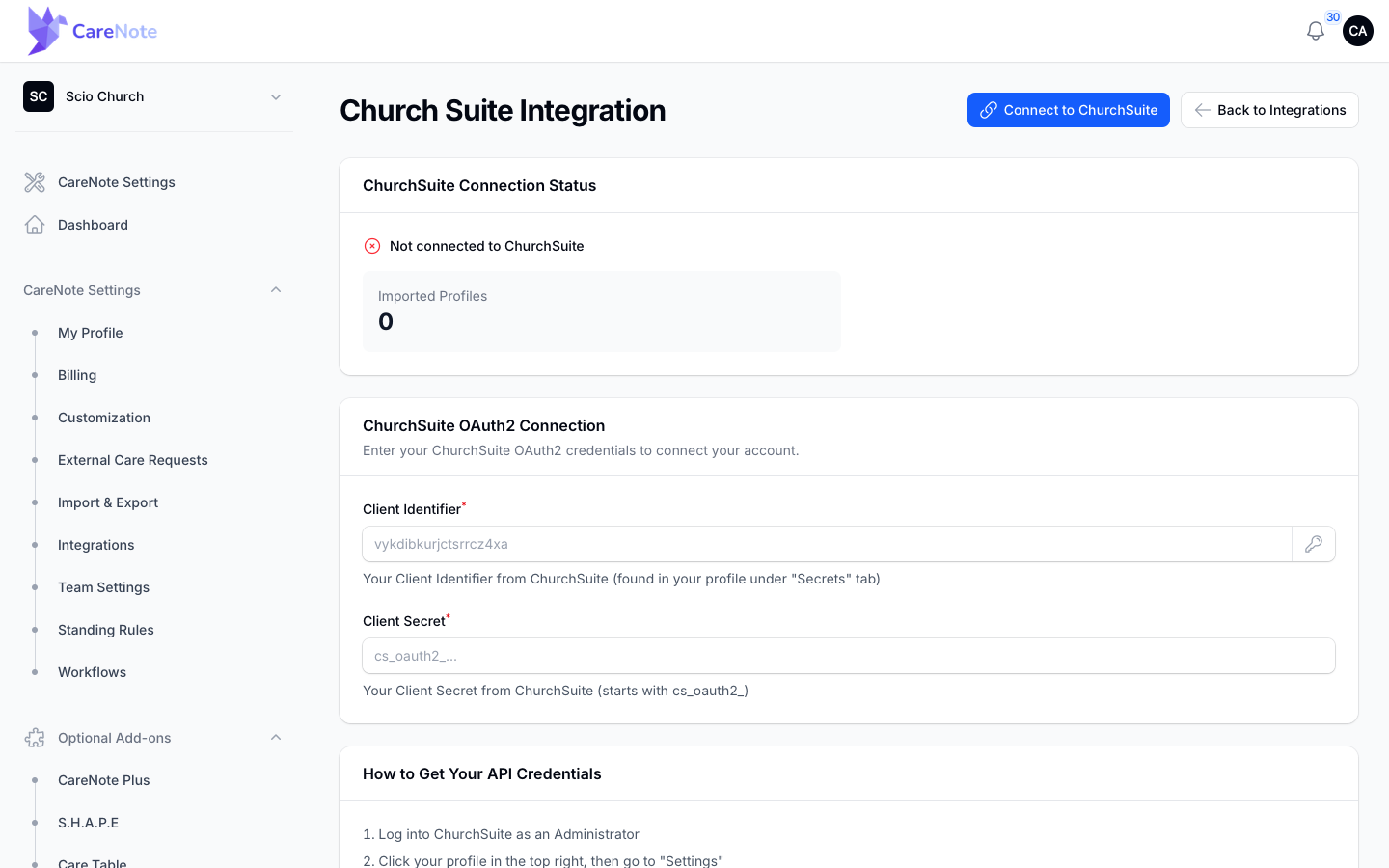
- Under ChurchSuite OAuth2 Connection, paste your Client Identifier into the first field.
- Paste your Client Secret into the second field. It is masked as you type.
- Click Connect to ChurchSuite.
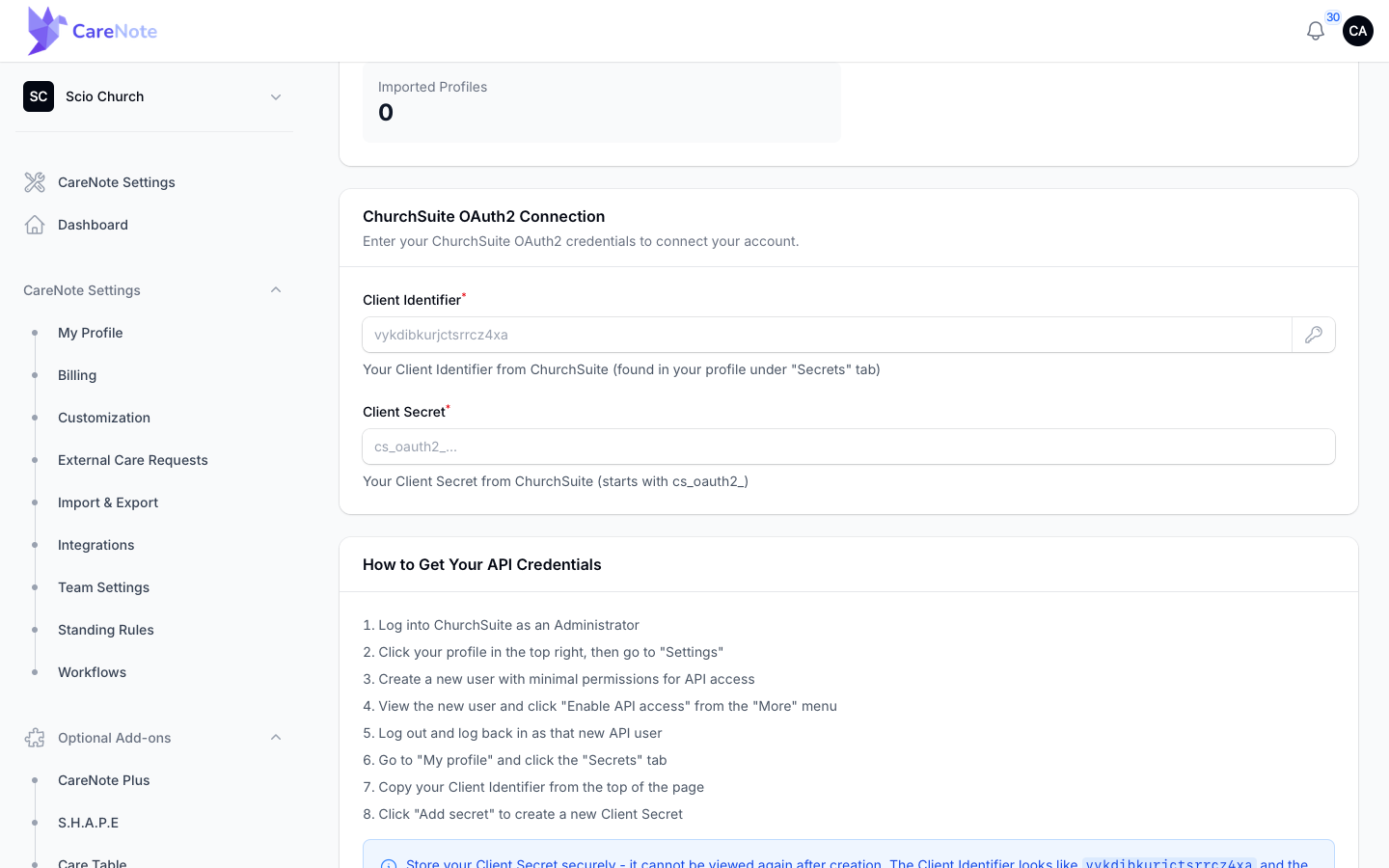
If you forget where a credential comes from, the How to Get Your API Credentials list on the same page repeats the steps from section 2.
5. Import your people
Once you are connected, the status card shows a Connected via OAuth2 line and a Sync: Enabled badge, along with the number of imported profiles. (These appear only after a connection exists, so they are not in this guide's screenshots.) The card has four buttons:
| Button | What it does |
|---|---|
| Import People | Starts an import now |
| Test Connection | Checks that ChurchSuite still accepts your credentials |
| Update Credentials | Lets you paste in a new Client Identifier or Secret |
| Disconnect | Removes the connection and stops syncing, after you confirm |
The top of the page repeats these as Start Import and Update Settings. They do the same jobs, so use whichever is closer.
Imports run in the background, so you can keep working while they finish. You only need Import People for your first load or when you want a change to appear right away. CareNote also re-imports every connected ChurchSuite team each night at 2:30 AM Eastern.
Bringing in care history
The ChurchSuite connection brings in people, not past visits or notes. If you keep care history in a spreadsheet, use Import Interactions, a separate tool, to load it onto your profiles.
Frequently asked questions
Do I need a special ChurchSuite plan? Yes. ChurchSuite API access requires a "full suite" subscription. ChurchSuite support can confirm what your church has.
How often does it sync? Every night at 2:30 AM Eastern, for each connected team. Click Import People if you need an update sooner.
Will this overwrite information I already have in CareNote? CareNote matches people by their ChurchSuite ID and nothing else. If a profile came from ChurchSuite, the next import updates the fields ChurchSuite syncs on it. If you typed someone in by hand, CareNote does not match them by name or email, so the import creates a second profile for that person instead of changing yours. Check for duplicates after your first import.
What if I lose my Client Secret? Sign in to ChurchSuite as the API user, open My profile, then Secrets, and click Add secret. Then choose Update Credentials in CareNote and paste in the new one.
Can I disconnect later? Yes. Click Disconnect on the ChurchSuite page and confirm. This removes the connection and stops all syncing.
Watch
ChurchSuite does not have its own video yet. These two cover the same idea of getting your people into CareNote: